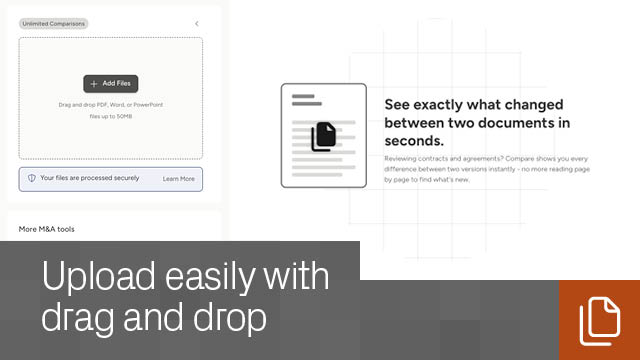
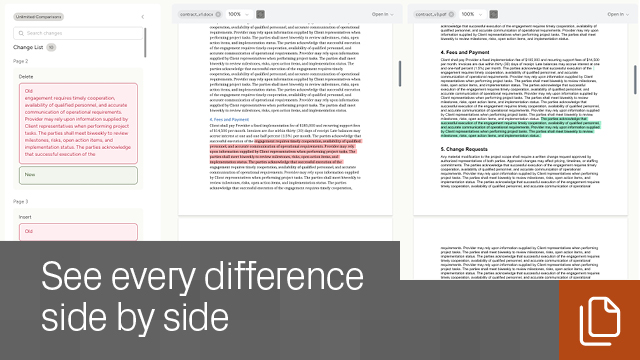
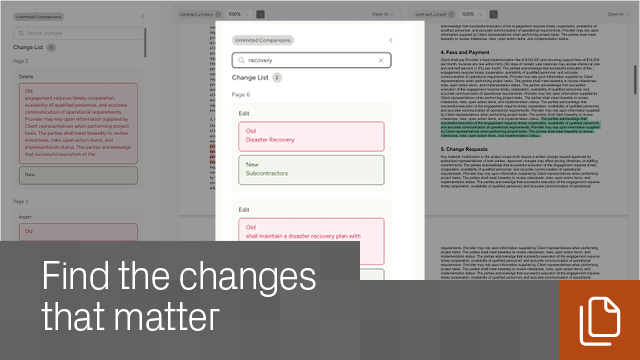
Review two versions of a Word, PDF, or PowerPoint document in moments. See added, removed, and changed text at a glance. Search the full list of differences to get straight to the clauses, terms, and edits that matter most.
Catch changes without combing through every page. See differences between two documents clearly highlighted side by side.
Search the redline, not the whole file. Look through the full list of changes and jump directly to the edits you need to review.
Move faster on high-volume review. Give analysts, associates, and lawyers a faster way to check versions, spot updates, and stay in control of document changes.
You can compare PDF, Word, and PowerPoint files.
Each file can be up to 50MB.
Anyone with a Datasite account can use the app for free.
No. Compare runs online in your browser.
Yes, but you’ll need to remove password protection before uploading the files.
Compare identifies added text, removed text, modified words or phrases, and renamed words or phrases. You can review changes in an organized list and jump straight to each change in the document viewer.
Nothing. Document comparison is free.
Yes. Use the built-in search to find particular updates or verify expected edits.
Yes. Click Download Comparison to export a file containing all highlighted differences.
Yes, files are securely stored in your My Documents area, visible only to you, and can be permanently deleted at any time.
Datasite

.svg)

