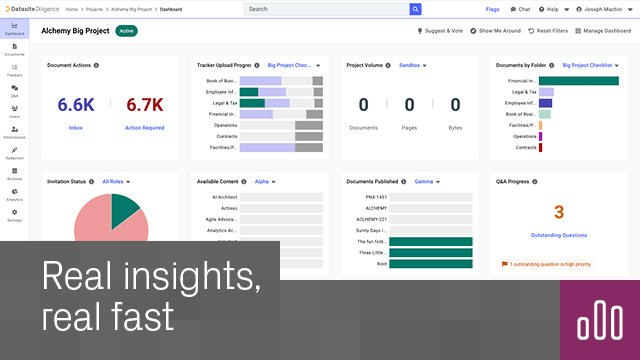
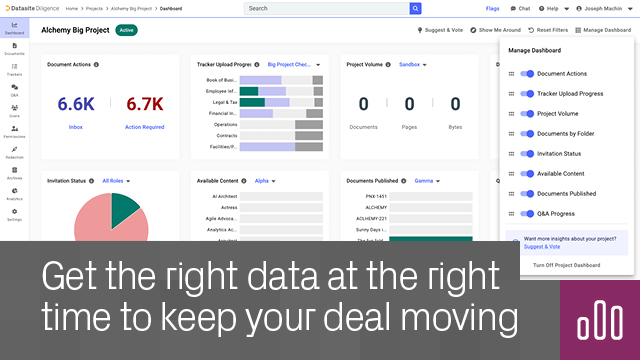
Monitor your Diligence and Prepare projects from every angle. Tailor your dashboard to see progress and outstanding tasks in real time.
Get the helicopter view – See your project’s progress at a glance and keep the whole deal team aligned.
Gain role-specific insights – Customize the dashboard to track the metrics that relate to your responsibilities.
Be where you’re needed – Prioritize tasks with smart prompts, and instantly respond by clicking straight from data points to data room.
Know what’s happening now – Receive real-time updates with no lag or manual refresh – see changes the moment they happen.
Your real-time summary of your Datasite Diligence or Datasite Prepare project, focusing on the key indicators that matter most to you.
Open any Diligence or Prepare project, go to the top-left navigation panel and click Let’s Go. Or turn it on from the Apps page.
All project admins of a Diligence or Prepare project.
Yes – applies across all projects where you have Project Admin permissions.
Yes – works across all new and existing Diligence and Prepare projects.
Yes – each chart and widget is interactive, enabling you to drill into detail and navigate straight to relevant areas of your project.
Datasite



.svg)
