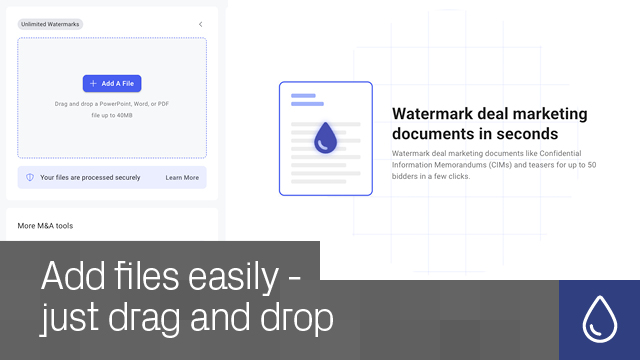
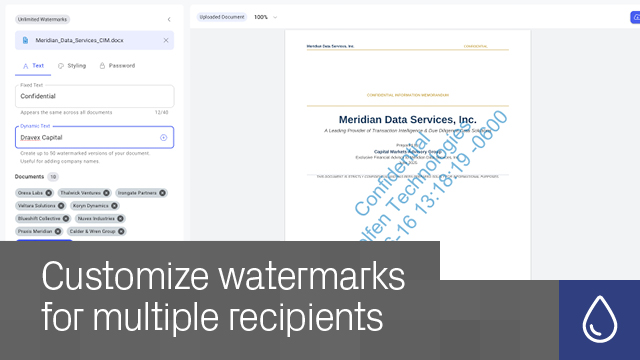
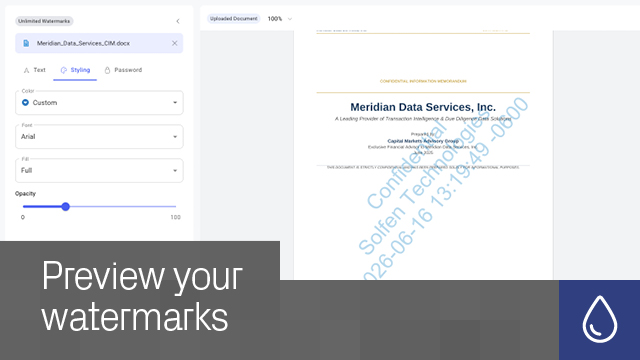
Add secure, trackable watermarks to PDFs, Word, and PowerPoint files for individual or bulk sharing, with optional password protection.
Scale your workflows – Generate up to 50 personalized watermarked copies at once for faster high-volume sharing.
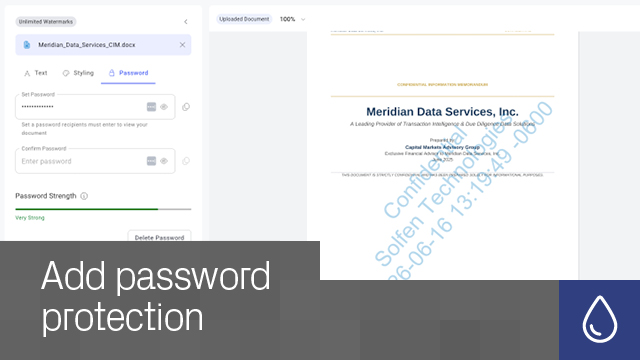
Secure every document – Apply password protection during watermarking using one password across all generated files.
Maintain consistency – Reuse settings across documents and preview output accurately before downloading.
Support more file types – Watermark PDFs, Word documents, and PowerPoint presentations in one workflow.
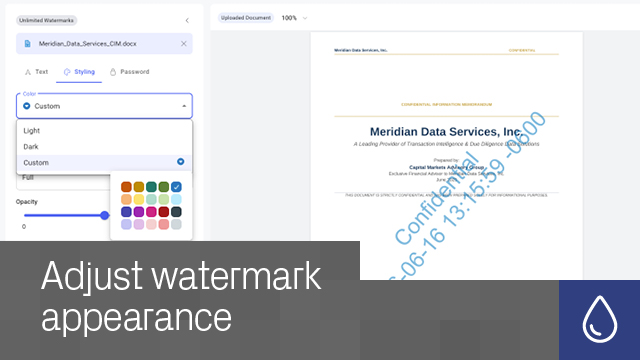
Match your brand standards – Customize watermark fonts and colors to align with corporate branding guidelines.
PDF, Microsoft Word, and PowerPoint files.
Yes. Bulk watermarking supports up to 50 personalized watermarked copies in a single workflow.
Yes. You can apply one password across all generated documents.
Yes. Choose from multiple font and color options.
Yes. Preview accuracy ensures downloaded files closely match on-screen output.
No. Watermarking works directly through your browser.
No. Watermarks are intentionally permanent for security and traceability purposes. Original unwatermarked files remain available in My Documents.
Yes. Original files are securely stored in your My Documents area, visible only to you, and can be permanently deleted at any time.
Datasite



.svg)
