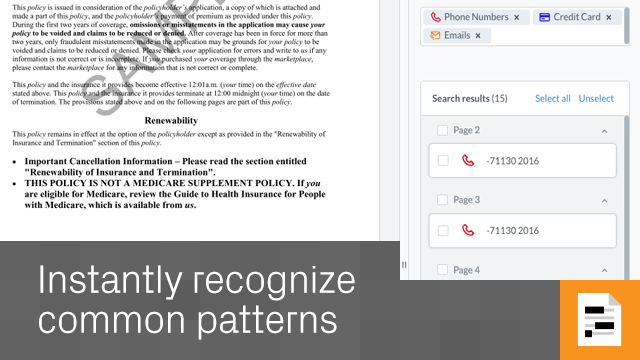
What is Rapid Redact? Rapid Redact is a free standalone PDF redaction tool for use on single documents, available through the Datasite Apps page.
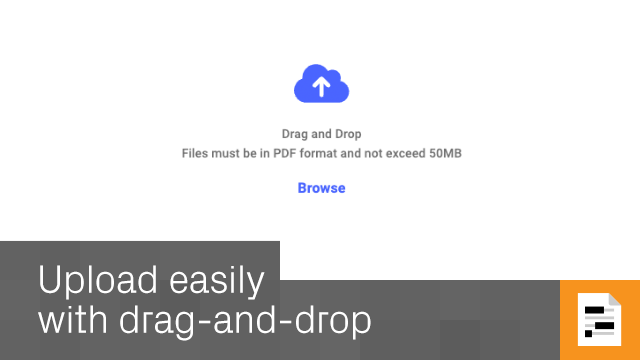
Which file types can I redact? Files for redaction must be in PDF format. Rapid Redact is optimized for legal and financial documents, but is effective on any kind of document.
What is the maximum file size? You can redact PDFs up to 50MB in size.
Can I redact password-protected PDFs? You’ll have to remove any password protection before redaction, and then reapply it to the redacted document if necessary.
How secure is online redaction with Datasite? This is secure redaction software on a platform designed for high-level transactions such as M&A. You can therefore depend on robust security measures.
Do I need to install anything? This is on online document redaction tool, so you don’t need any software.
Does Datasite retain my documents? Both your original and redacted files are stored privately in your My Documents area. Only you can access them, and you can permanently delete anything at any time.
Is Rapid Redact GDPR compliant? Yes. Rapid Redact supports GDPR-compliant redaction and aligns with global privacy standards.
5
(1)
4
(0)
3
(1)
2
(0)
1
(1)
No Reviews Yet
This app hasn't been reviewed yet.
