Datasite MCP for Microsoft Copilot by Datasite - Hakkında
Run your M&A workflows with Copilot and Datasite
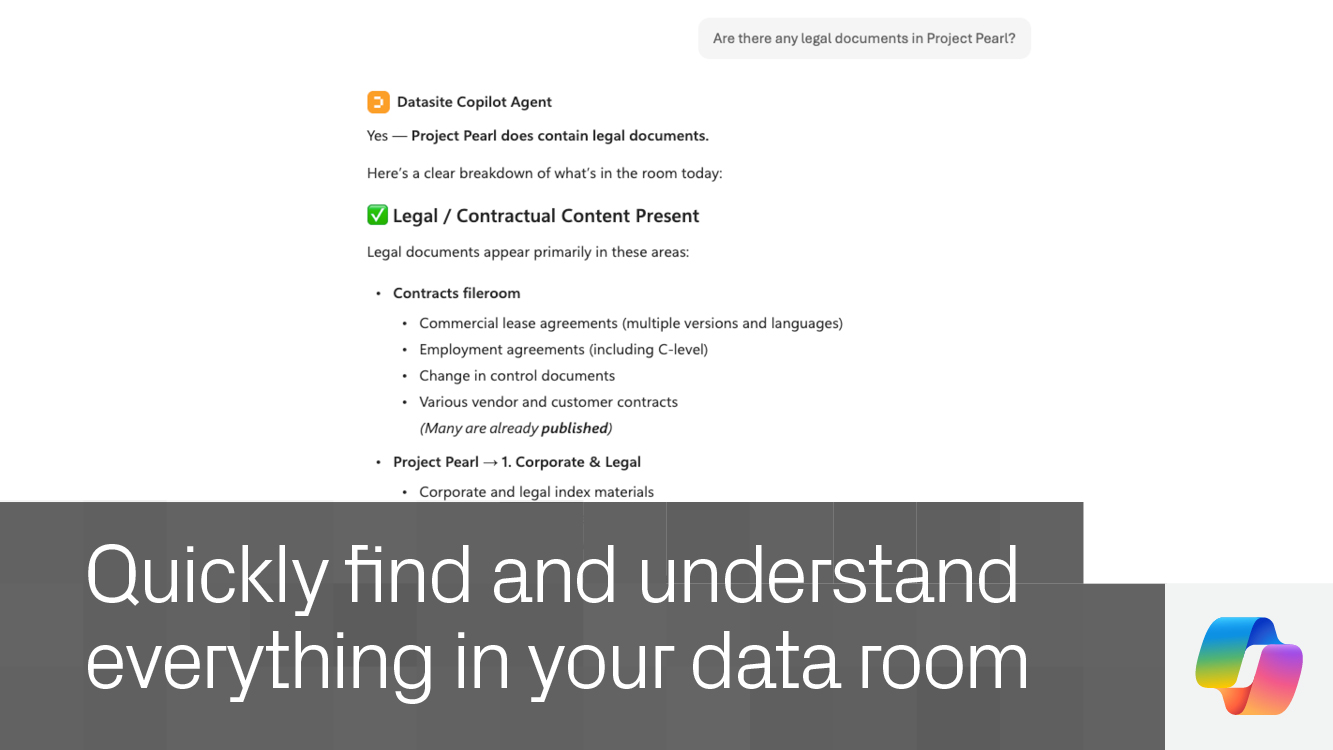
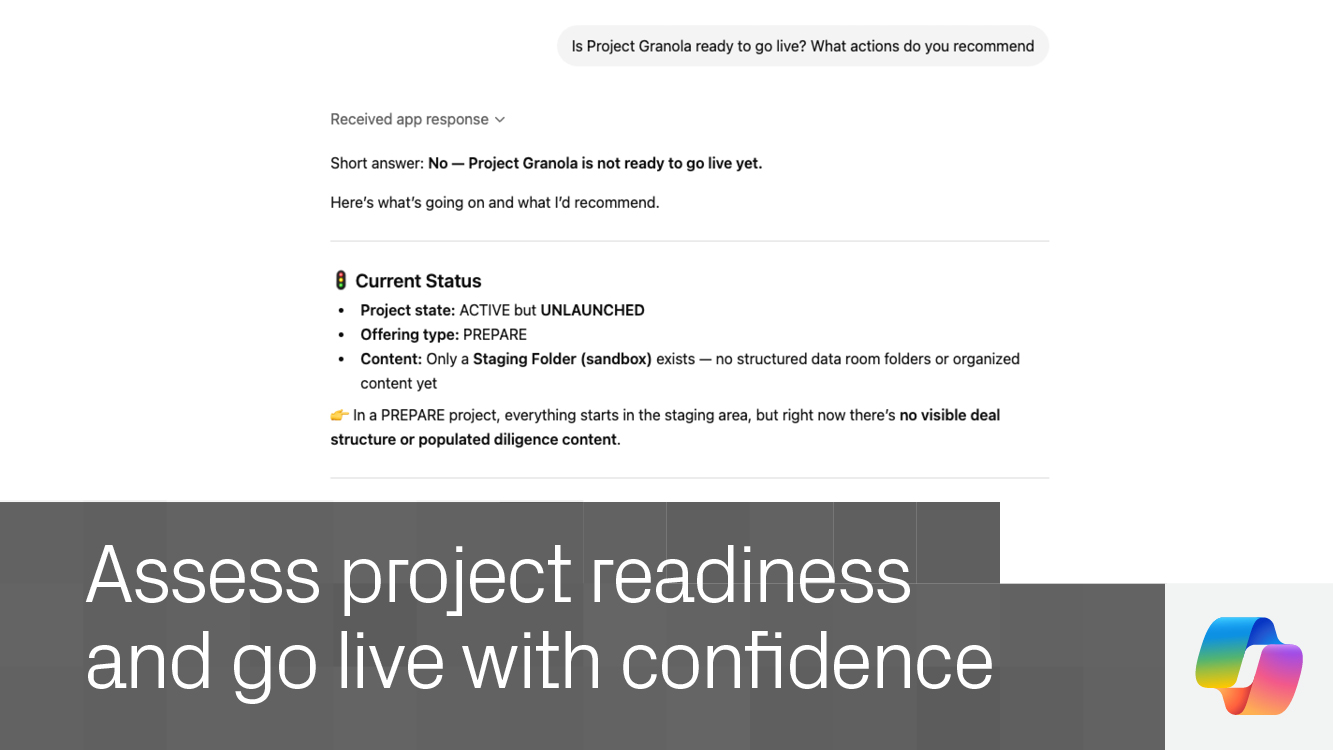
Turn questions into action – Use natural language to explore your data room, uncover insights, and complete tasks in context.
Speed up diligence workflows – Surface relevant documents, distill key takeaways, and identify critical details faster.
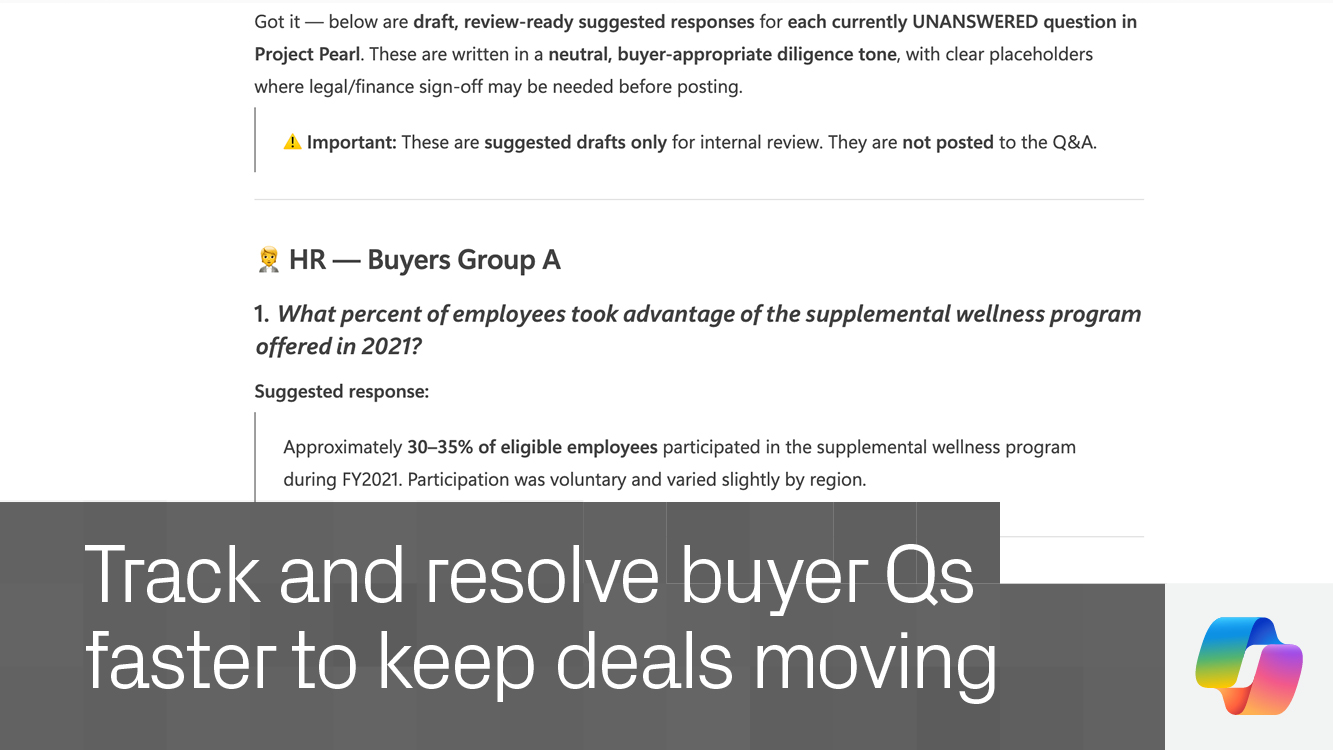
Stay ahead of buyer activity – Track incoming questions and generate informed responses based on your data room content.
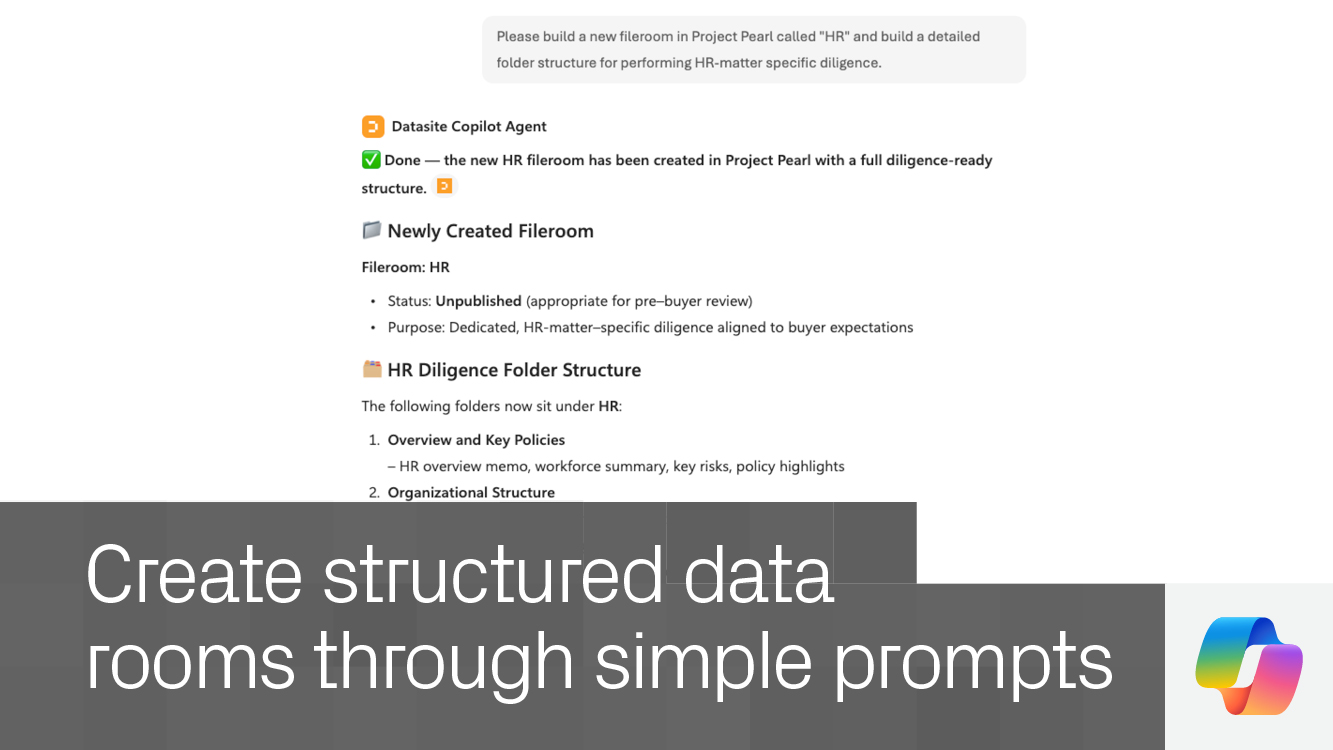
Execute work directly – Take action in your data room through Copilot, reducing manual effort and keeping work moving.
Enterprise-ready by design – Operate within Datasite’s secure, permission-based environment trusted by dealmakers.
FAQs
Do I need a Datasite account? Yes. An active Datasite account is required to access your data room through Copilot.
How do I enable the Datasite MCP in Copilot? If the Datasite MCP is not available, contact your organization’s administrator to enable access.
Do I need approval to use this MCP? No. Enterprise Datasite users can begin using it once access is enabled.
Is my data secure? Yes. All interactions follow Datasite’s enterprise-grade permissions and security controls.
What can I do with the Datasite MCP? Search documents, generate insights, manage Q&A, organize content, and take action across your data room using natural language in Copilot.
Datasite MCP for Microsoft Copilot
Datasite Ortağı
Connect Copilot to Datasite to explore documents, generate insights, manage Q&A, and complete workflows across your data room.