Datasite MCP for Microsoft Copilot by Datasite - Om
Run your M&A workflows with Copilot and Datasite
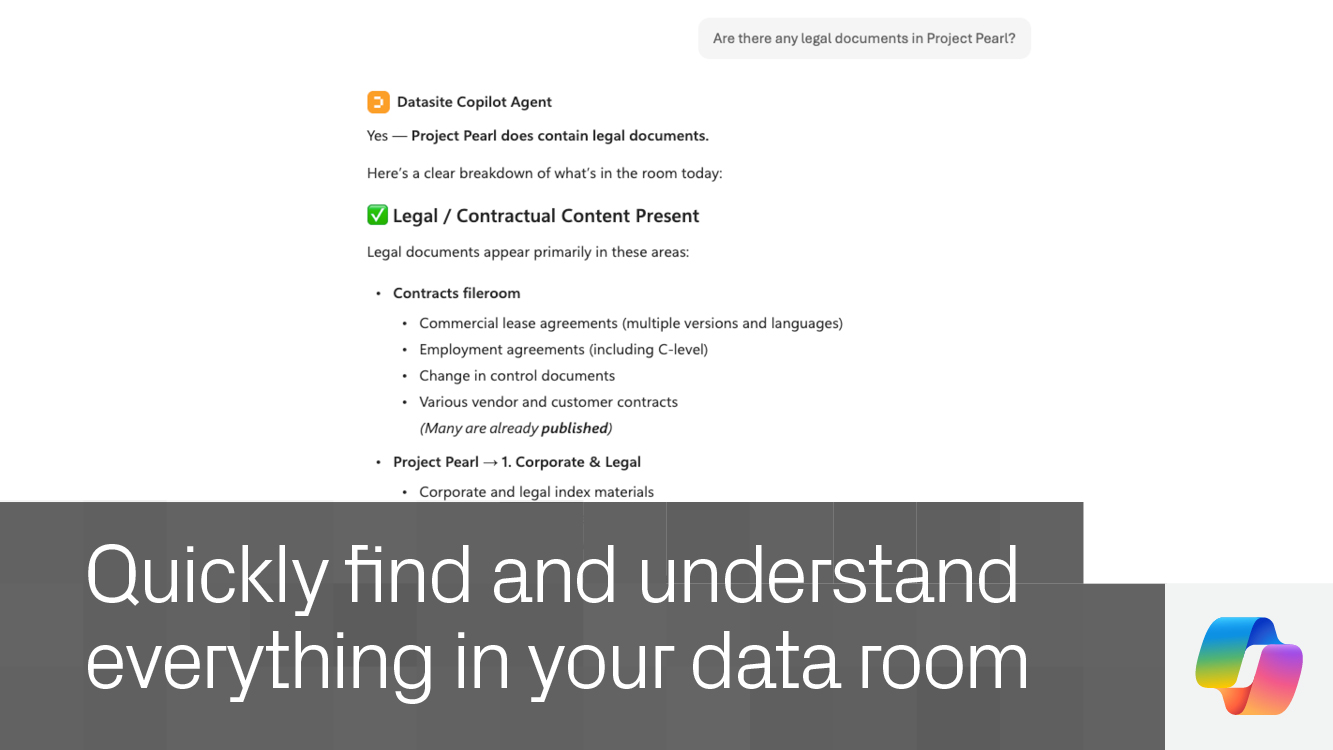
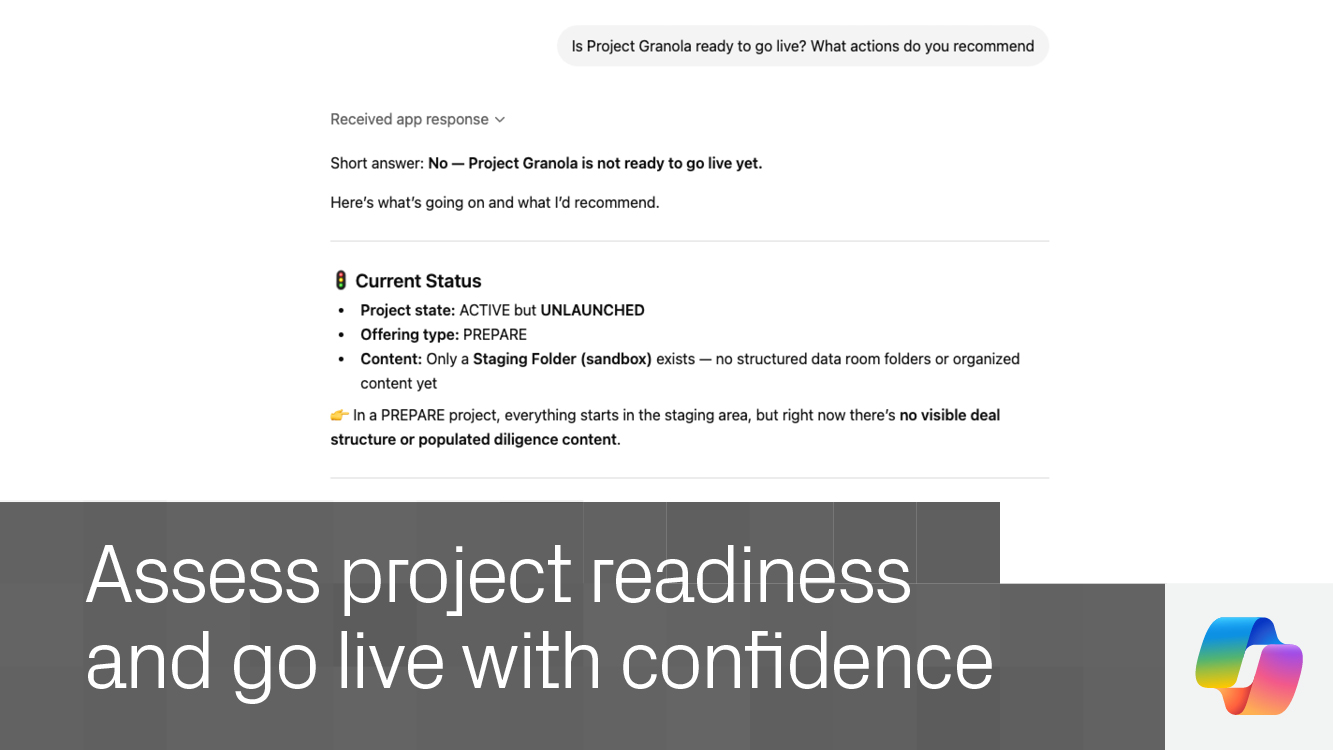
Turn questions into action – Use natural language to explore your data room, uncover insights, and complete tasks in context.
Speed up diligence workflows – Surface relevant documents, distill key takeaways, and identify critical details faster.
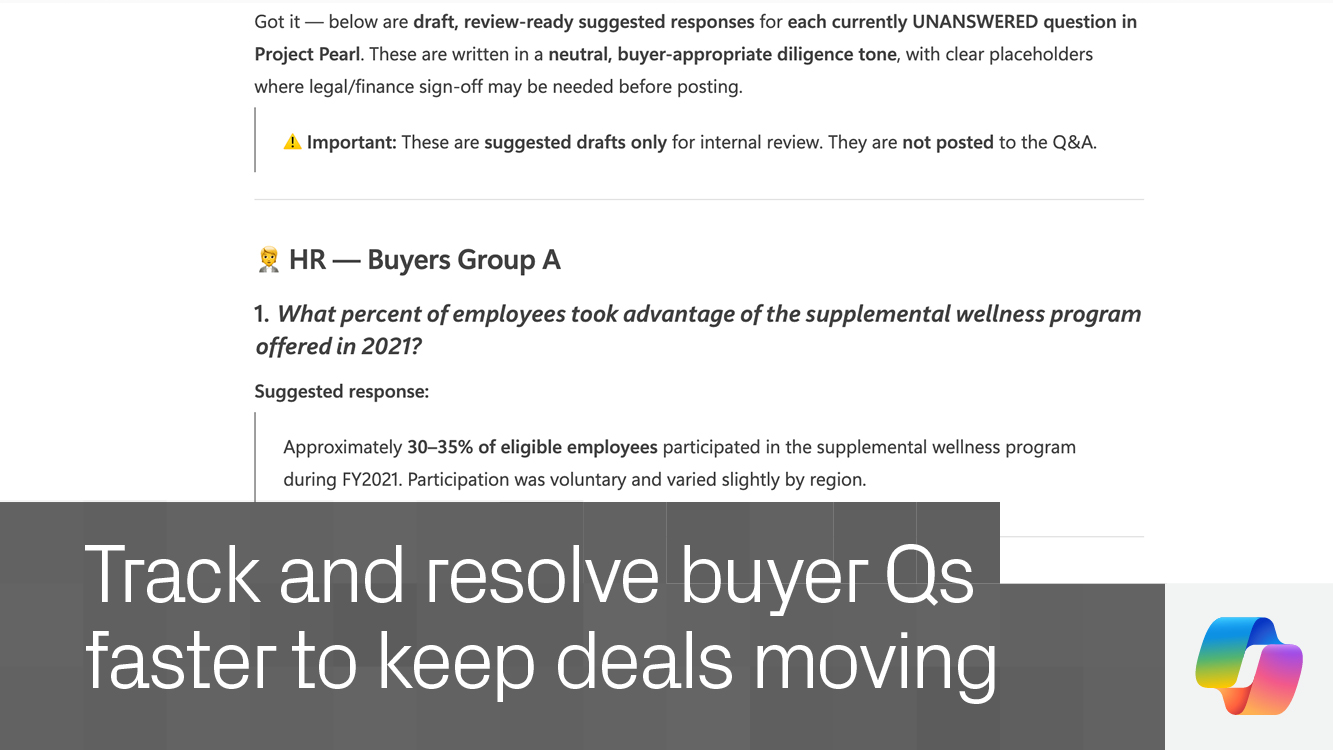
Stay ahead of buyer activity – Track incoming questions and generate informed responses based on your data room content.
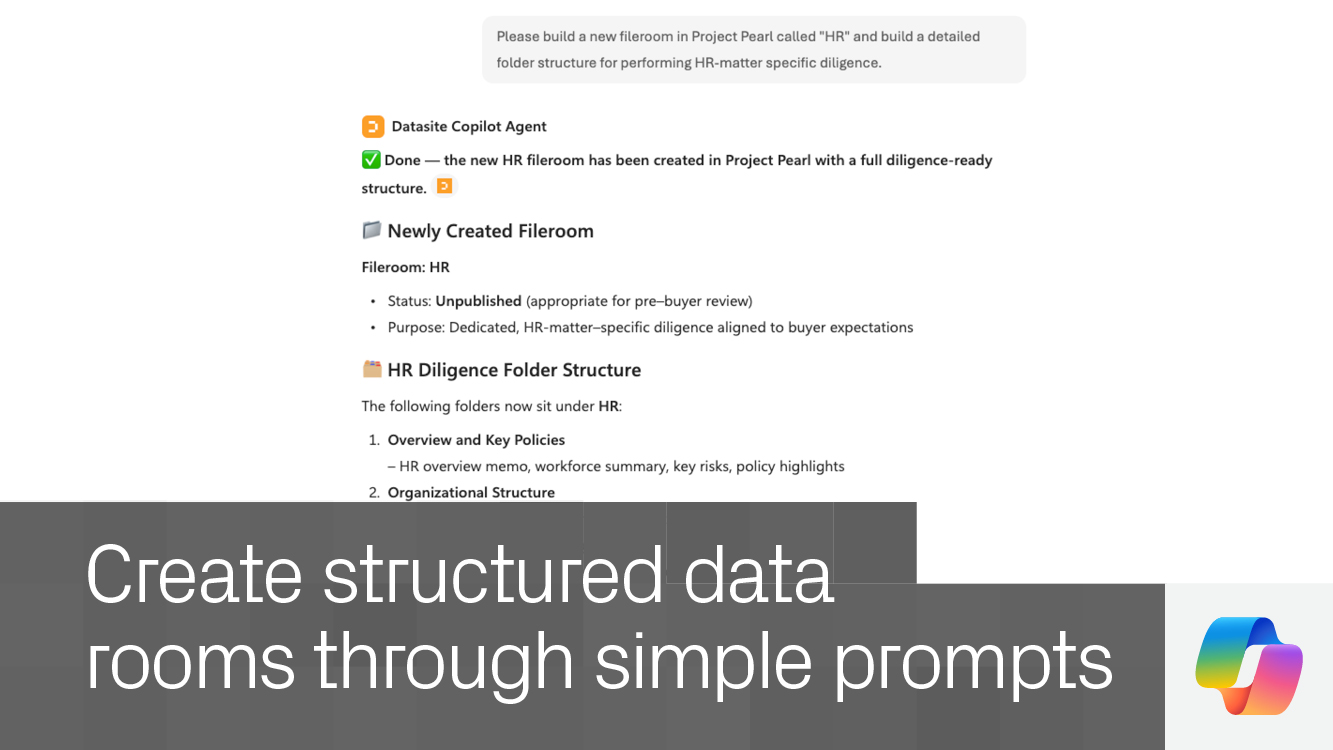
Execute work directly – Take action in your data room through Copilot, reducing manual effort and keeping work moving.
Enterprise-ready by design – Operate within Datasite’s secure, permission-based environment trusted by dealmakers.
FAQs
Do I need a Datasite account? Yes. An active Datasite account is required to access your data room through Copilot.
How do I enable the Datasite MCP in Copilot? If the Datasite MCP is not available, contact your organization’s administrator to enable access.
Do I need approval to use this MCP? No. Enterprise Datasite users can begin using it once access is enabled.
Is my data secure? Yes. All interactions follow Datasite’s enterprise-grade permissions and security controls.
What can I do with the Datasite MCP? Search documents, generate insights, manage Q&A, organize content, and take action across your data room using natural language in Copilot.
Datasite MCP for Microsoft Copilot
Datasite-partner
Connect Copilot to Datasite to explore documents, generate insights, manage Q&A, and complete workflows across your data room.