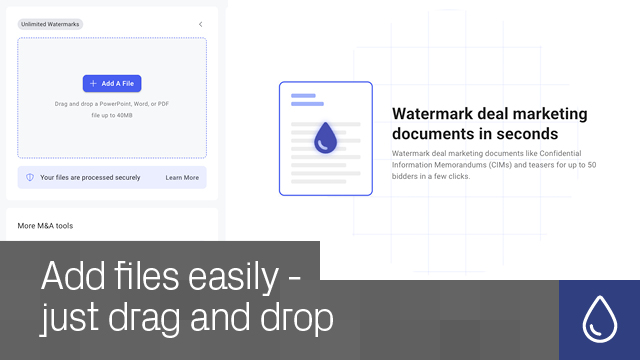
What documents can I watermark? You can watermark PDF, Microsoft Word, and PowerPoint files directly within the app.
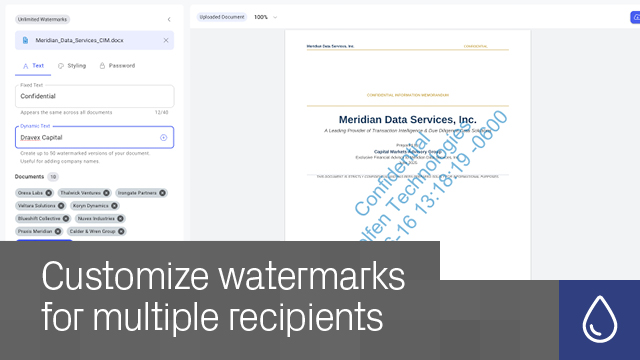
Can I watermark documents for multiple recipients? Yes. Bulk watermarking supports up to 50 personalized watermarked copies in a single workflow.
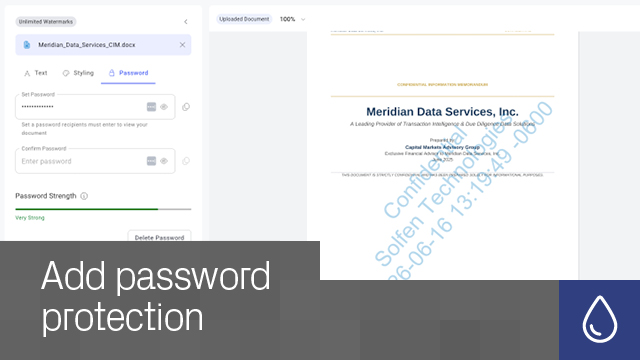
Can I apply password protection during watermarking? Yes. You can apply one password across all generated documents during the watermarking process.
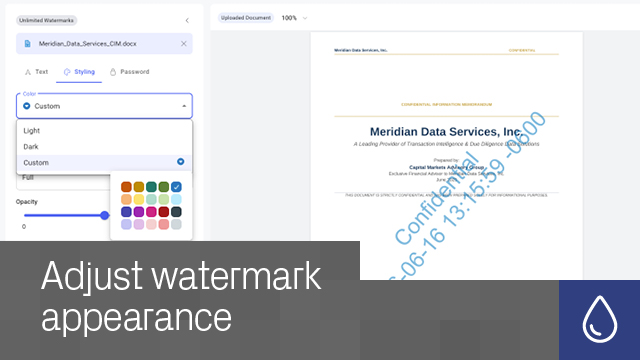
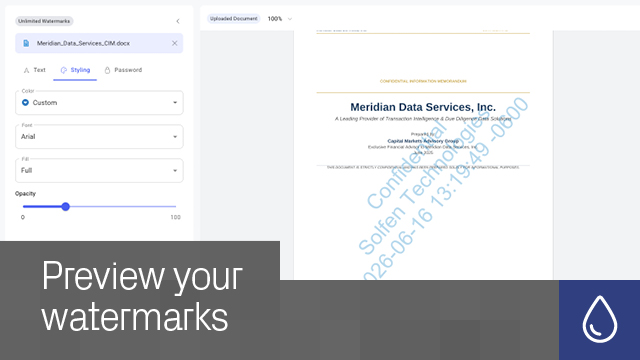
Can I customize watermark styling? Yes. Choose from multiple font and color options to support visibility and corporate branding requirements.
Can I preview documents before downloading? Yes. Improved preview accuracy ensures downloaded files closely match on-screen output.
Do I need to install any software? No. Watermarking works directly through your browser.
Can I remove a watermark? No. Watermarks are intentionally permanent for security and traceability purposes. Original unwatermarked files remain available in your My Documents area.
Does Datasite keep a copy of my files? Yes. Original and watermarked files are securely stored in your My Documents area and are accessible only to you.

5
(5)
4
(0)
3
(0)
2
(0)
1
(0)
Пока нет отзывов
Это приложение еще не получило оценку.
