
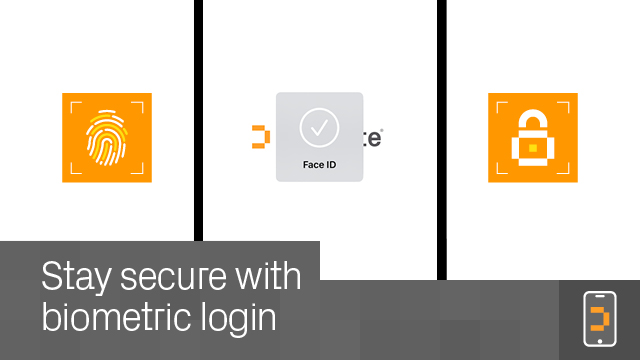
Get to work in moments – Fast biometric login means you can open up your project securely in seconds, without friction or delay.
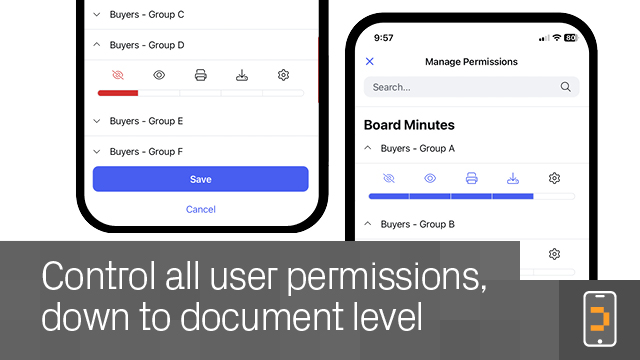
Manage all key aspects of your deal – Run both the buy-side and the sell-side. Manage users, upload, view and organize fileroom content, share files, analyze progress, handle the Q&A process, and more.
Protect your data – Work from your phone or tablet with the same rigorous security that Datasite provides on your desktop.
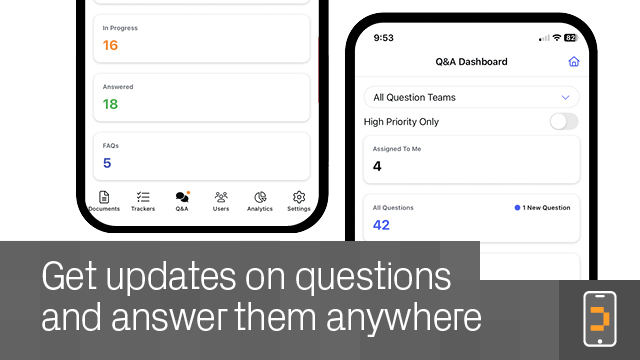
Enjoy more efficiency – Respond to the deal as it unfolds no matter where you are. Optimize your time while escaping from your desk – notifications keep you always in the loop.
Be strategic – You’re not restricted to just your current deal. You can also access content from archived deals (and create them) and manage your future deal pipeline.
How do I get the Datasite mobile app? The app is available for both iPhone/iPad and Android devices. Find it in the App Store or on Google Play.
Is the mobile app as secure as the main Datasite platform? Yes, all the same security measures apply to the mobile app as to the desktop platform.
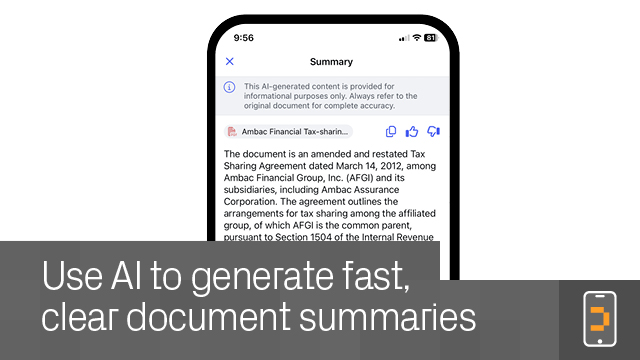
Can I really run a whole deal with just the mobile app? In theory, you could perform all the necessary tasks for running a deal from start to finish, just by using the Datasite mobile app. In practice, you will most likely use it in harmony with the main platform, for instance to handle specific tasks that need completing when you can’t access the desktop platform. This may include setting up and managing projects, uploading or reviewing content, responding to buyer questions, running analytics, and more.
Пока нет отзывов
Это приложение еще не получило оценку.
