
Connect Copilot to Datasite to explore documents, generate insights, manage Q&A, and complete workflows across your data room.
Set up in seconds
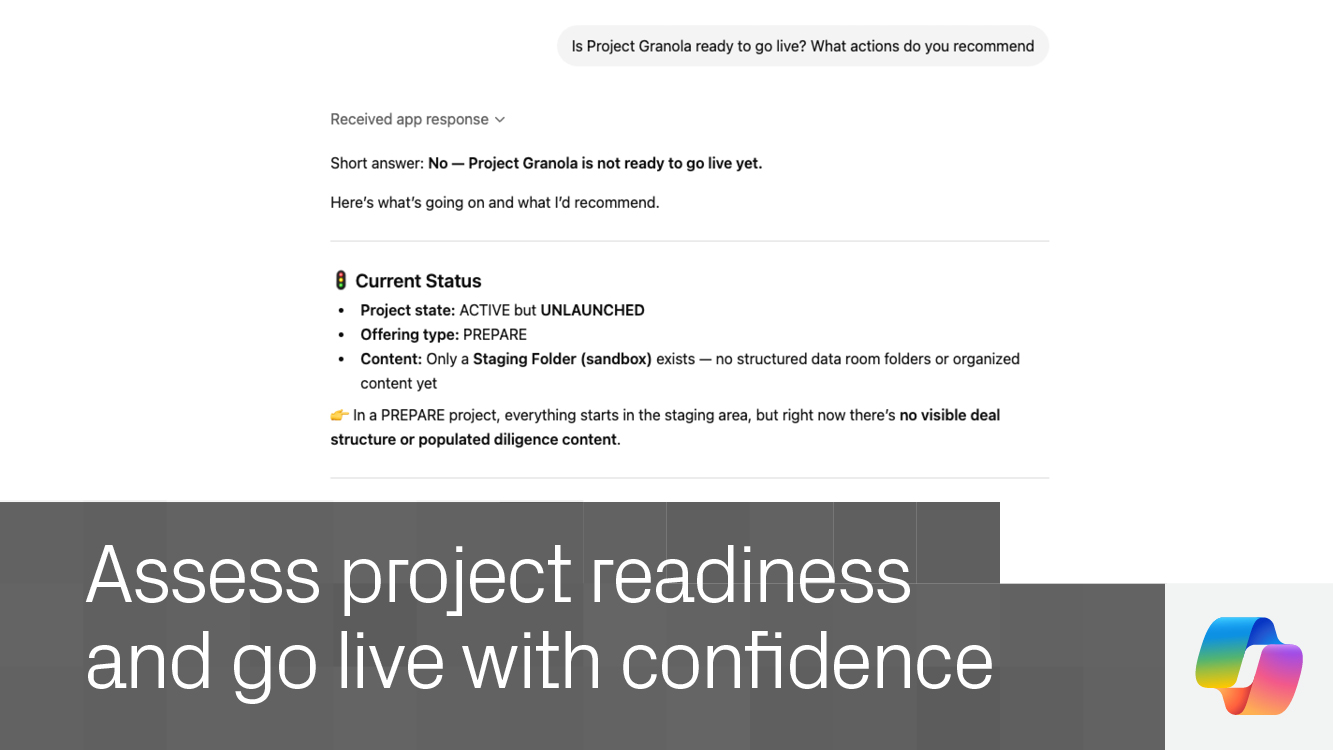
Build tailored indexes
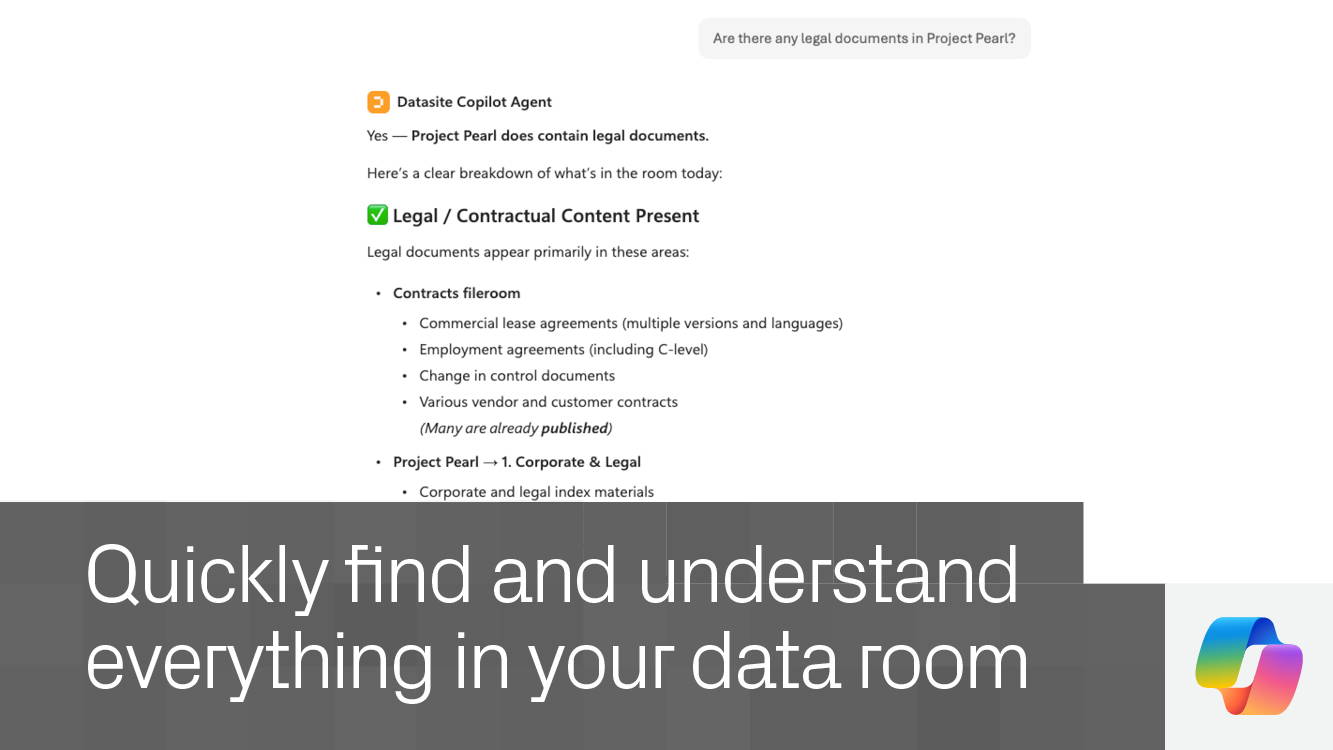
Find anything fast
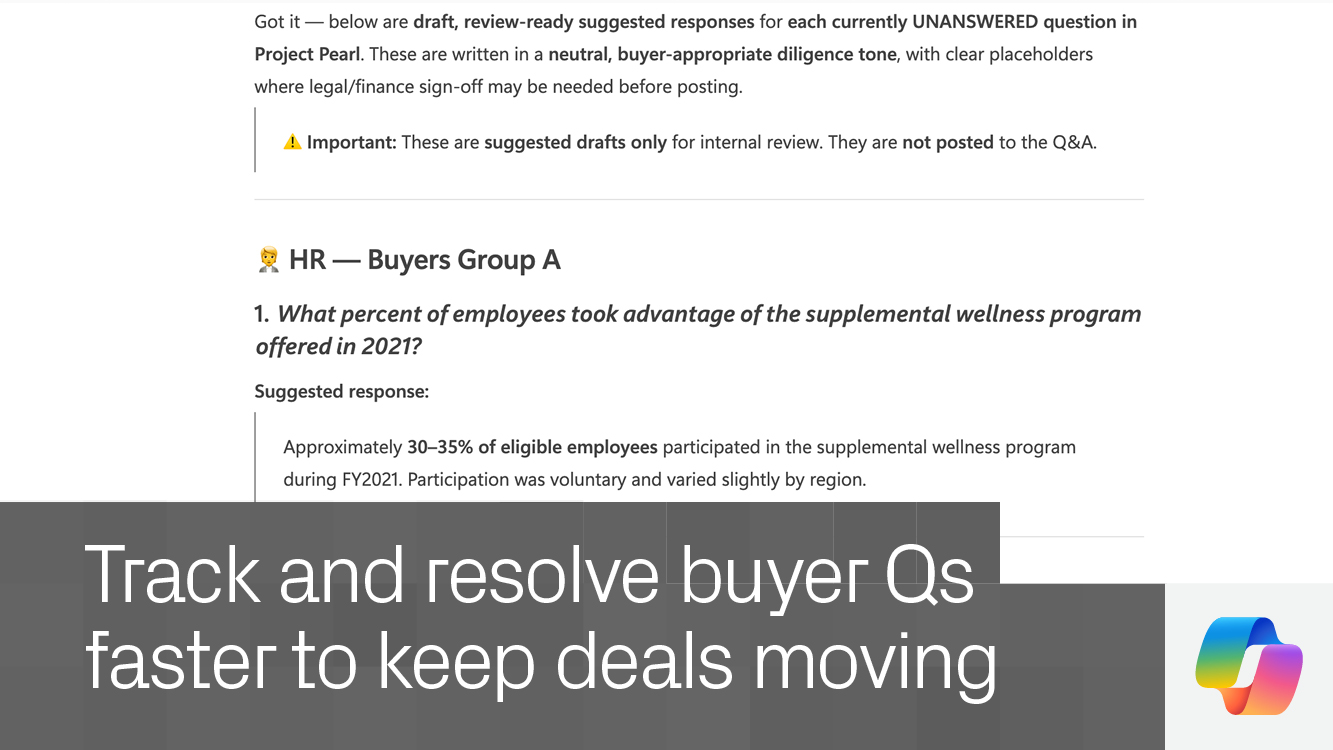
Draft Q&A faster
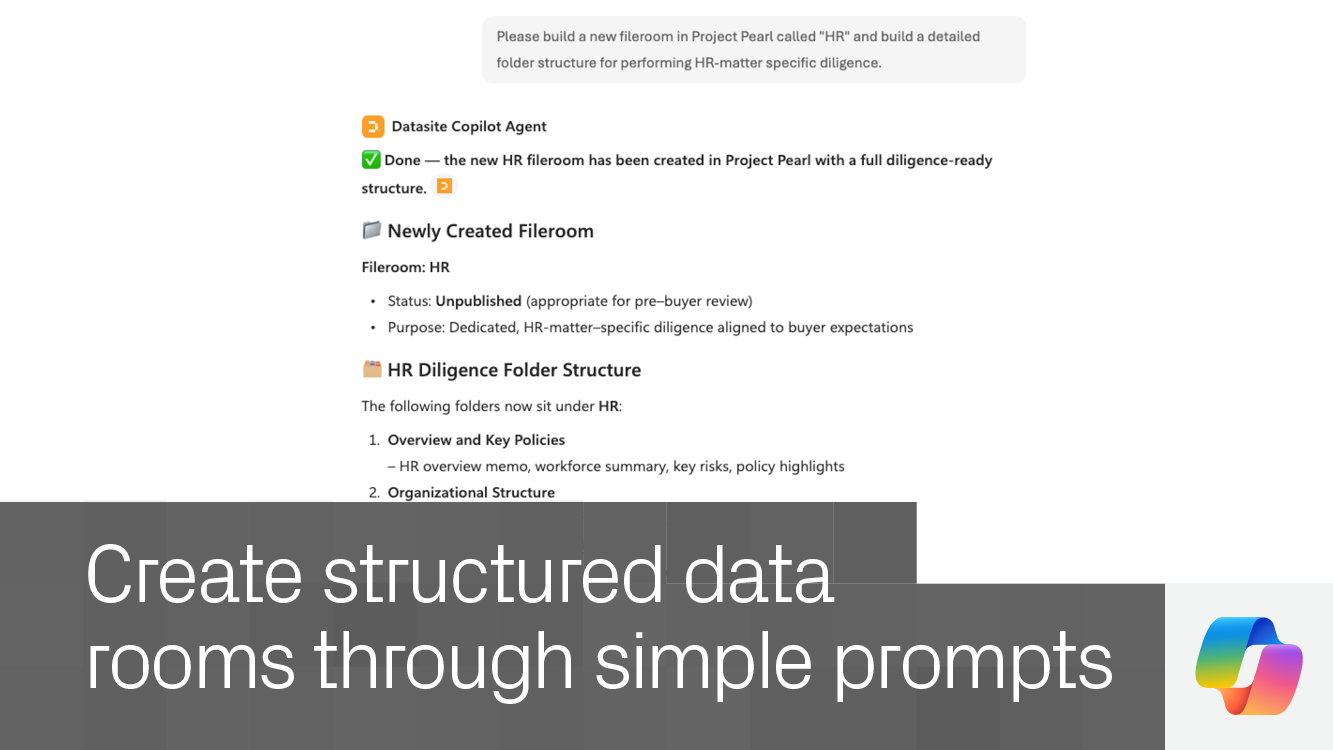
Manage rooms by chat
Turn questions into action. Use natural language to explore your data room, uncover insights, and complete tasks in context.
Speed up diligence workflows. Surface relevant documents, distill key takeaways, and identify critical details faster.
Stay ahead of buyer activity. Track incoming questions and generate informed responses based on your data room content.
Execute work directly. Take action in your data room through Copilot, reducing manual effort and keeping work moving.
Enterprise-ready by design. Operate within Datasite’s secure, permission-based environment trusted by dealmakers.
Yes. An active Datasite account is required to access your data room through Copilot.
If the Datasite MCP is not available, contact your organization’s administrator to enable access.
No. Enterprise Datasite users can begin using it once access is enabled.
Yes. All interactions follow Datasite’s enterprise-grade permissions and security controls.
Search documents, generate insights, manage Q&A, organize content, and take action across your data room using natural language in Copilot.
Once your organization has enabled access, Datasite users can use the Datasite MCP without a separate Datasite approval process.
Connect with Datasite MCP for Microsoft Copilot to learn how they can support your next deal.
