
Connect ChatGPT to Datasite to search documents, generate insights, manage Q&A, and run deal workflows within your enterprise environment. Run your Datasite data room in ChatGPT
Set up in seconds
Ask deal questions
Draft answers with context
Keep work secure
.Ask and act in one place – Use natural language to search documents, surface insights, and take action across your data room.
Accelerate diligence – Find relevant content, summarize key materials, and extract critical details in seconds.
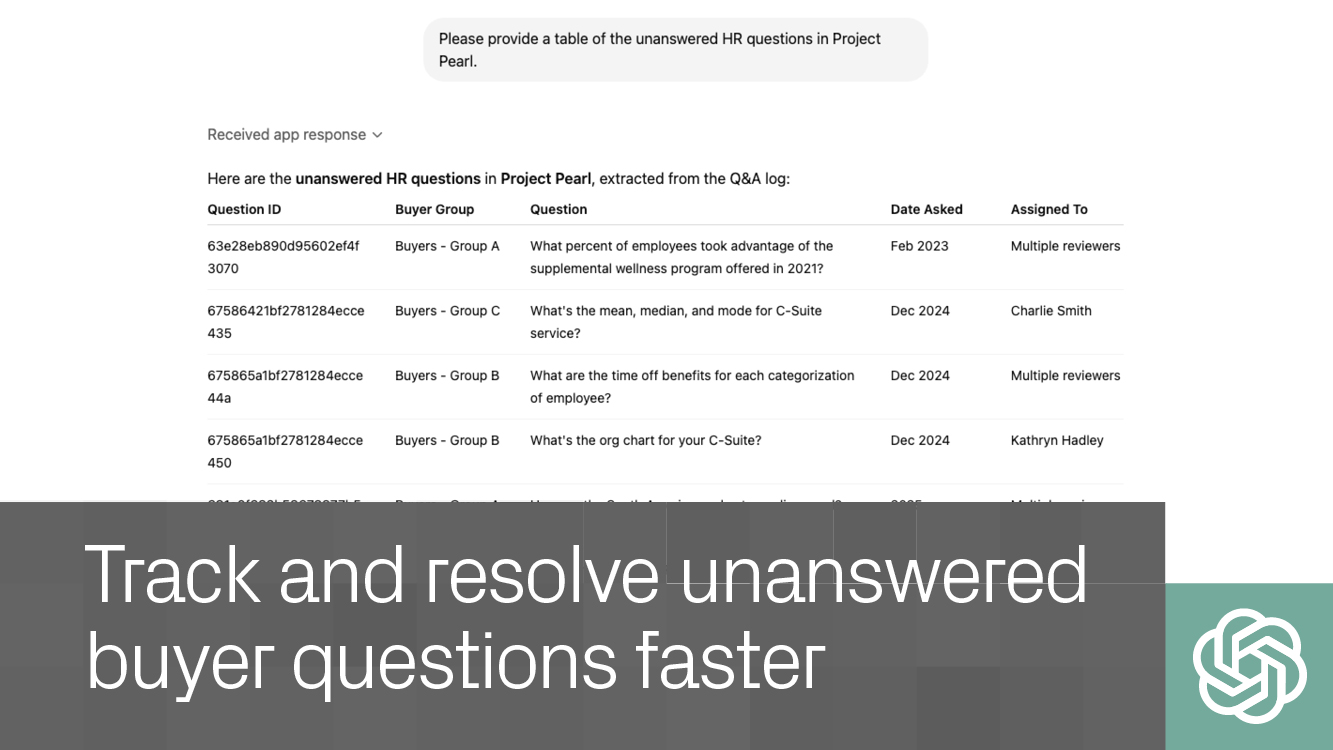
Stay on top of Q&A – Monitor buyer questions and generate draft responses grounded in your data room content.
Keep deals moving – Reduce manual work and streamline workflows without switching tools.
Built for enterprise – Operate within Datasite’s secure, permission-based environment trusted by dealmakers.
Yes. You must have an active Datasite account to access and manage your data room through ChatGPT.
If you don’t see Datasite in the ChatGPT apps list, contact your organization’s tools or IT administrator to enable access.
No. If you are an enterprise Datasite user and connectors are enabled, you can start using it immediately.
Yes. All actions respect Datasite’s enterprise-grade security and permissioning, ensuring users only access what they’re authorized to see.
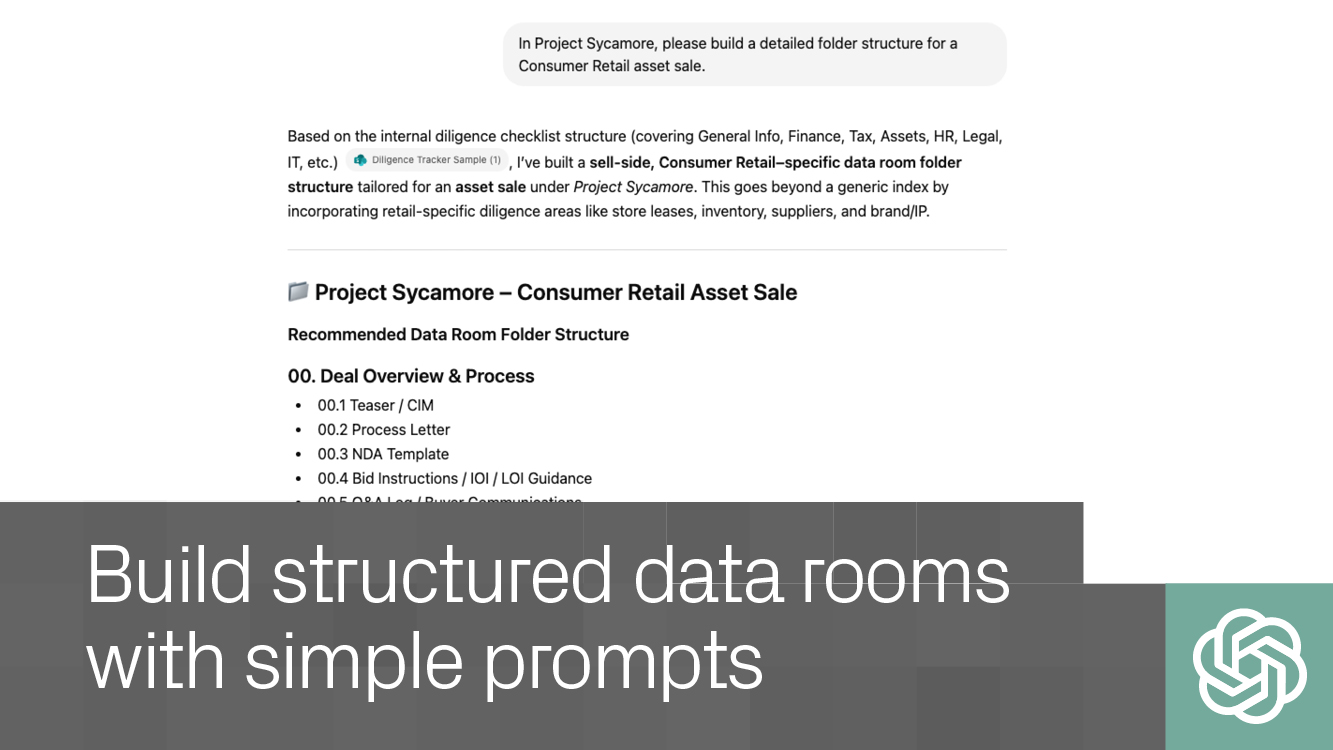
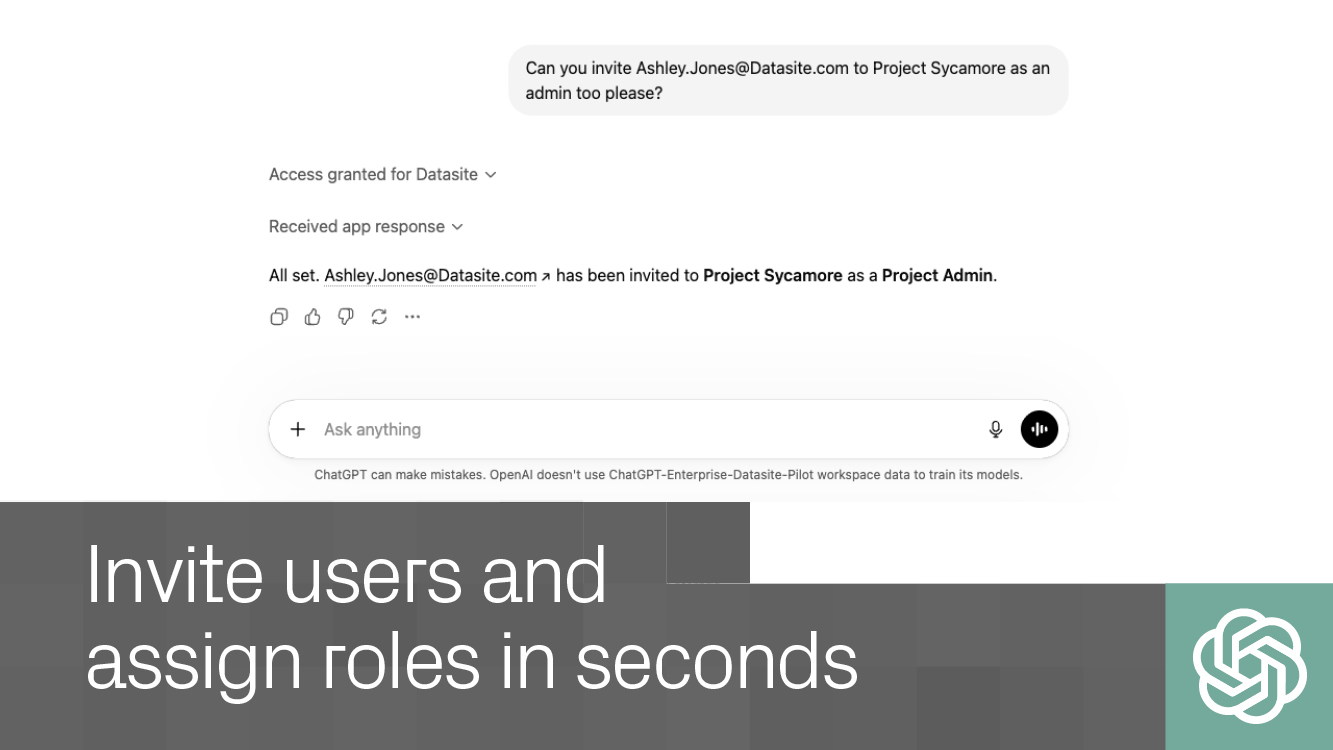
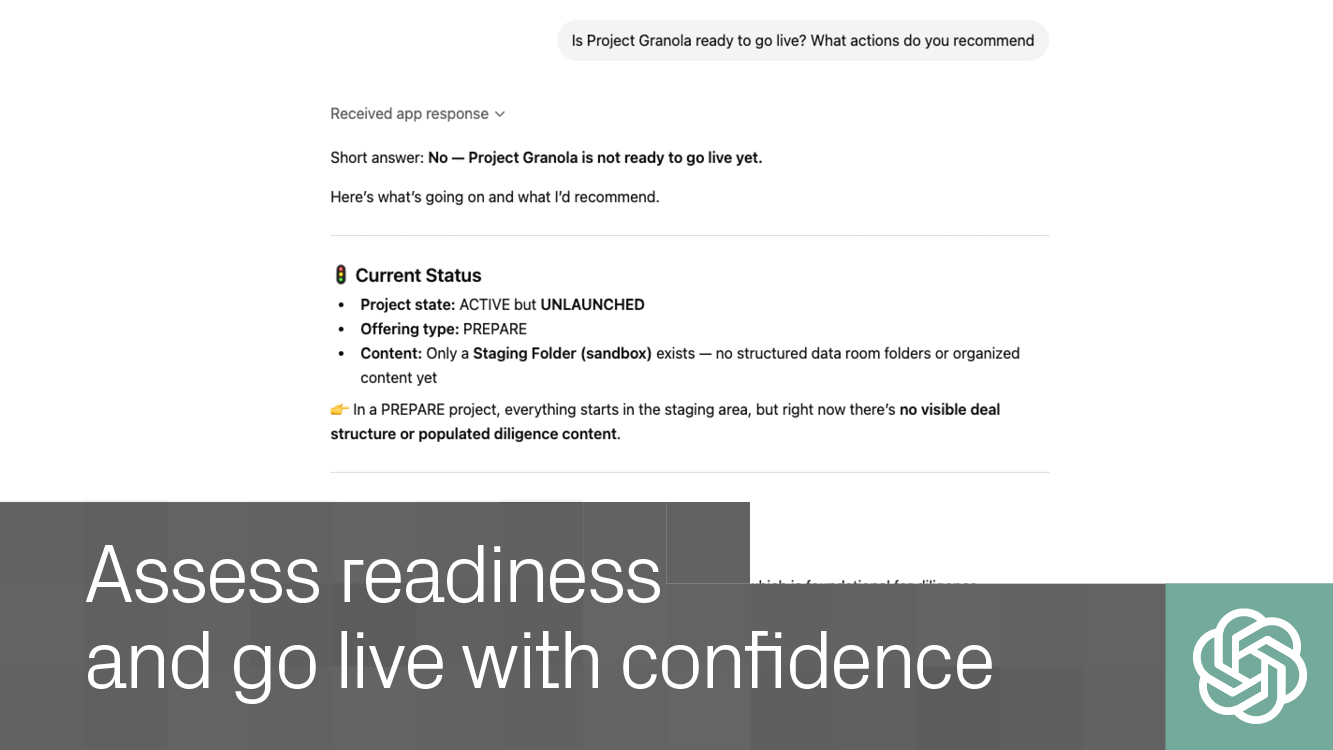
You can set up data rooms, organize content, search documents semantically, track buyer Q&A, and audit deal readiness - all through natural language.
Nehmen Sie Kontakt mit Datasite MCP for ChatGPT auf, um zu erfahren, wie das Unternehmen Sie bei Ihrem nächsten Geschäft unterstützen kann.
