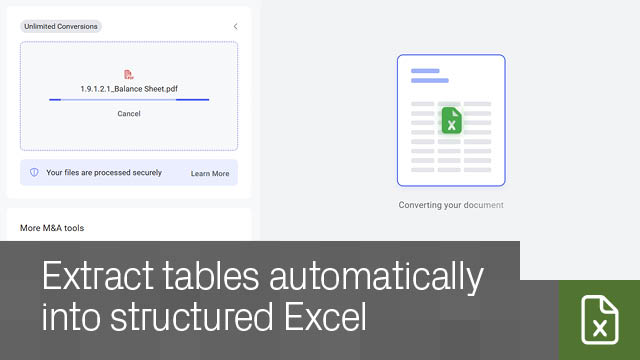
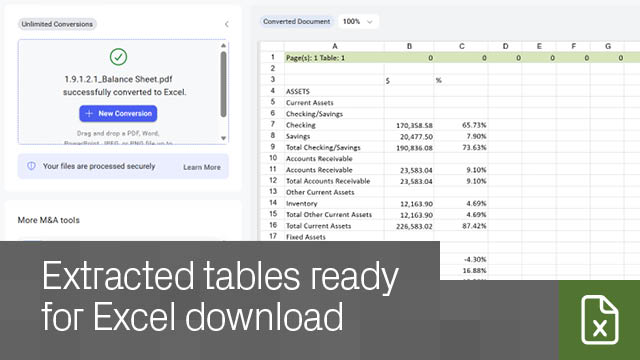
Buried tables in CIMs, financials, and presentations slow down analysis. Convert them into structured Excel files in seconds with no manual rekeying.
Accelerate deal workflows – Eliminate manual data entry and move faster from document review to financial modeling.
Improve accuracy – Reduce errors from manual data input and work with more reliable data.
Capture all relevant tables – Extract multiple tables from a single file into organized Excel output.
Review before you download – Preview and check extracted data before using it.
Stay organized – Original and converted files are saved automatically in My Documents.
PDF, DOC, DOCX, DOCM, DOTX, DOT, PPTX, PPTM, PPS, POT, JPEG, JPG, TIFF, BMP, PNG.
Up to 10MB per file.
No. Convert to Excel is free. Create an account to get started.What about password-protected files?
Remove password protection before converting, then reapply it if needed.
No. It is fully web-based.
Only table-structured data. Each table appears in its own section in Excel.
Yes, if the image quality is clear. Review outputs to confirm accuracy.
Yes, both original and converted files are securely stored in your My Documents area, visible only to you, and can be permanently deleted at any time.
Datasite



.svg)